The wedding photo sharing app that does it all
One QR code turns every guest into your wedding photographer — and runs your RSVPs, multi-day celebrations, gift registry and keepsakes on the very same link. No app to download.
Free demo · wedding plans from £49 · No app download
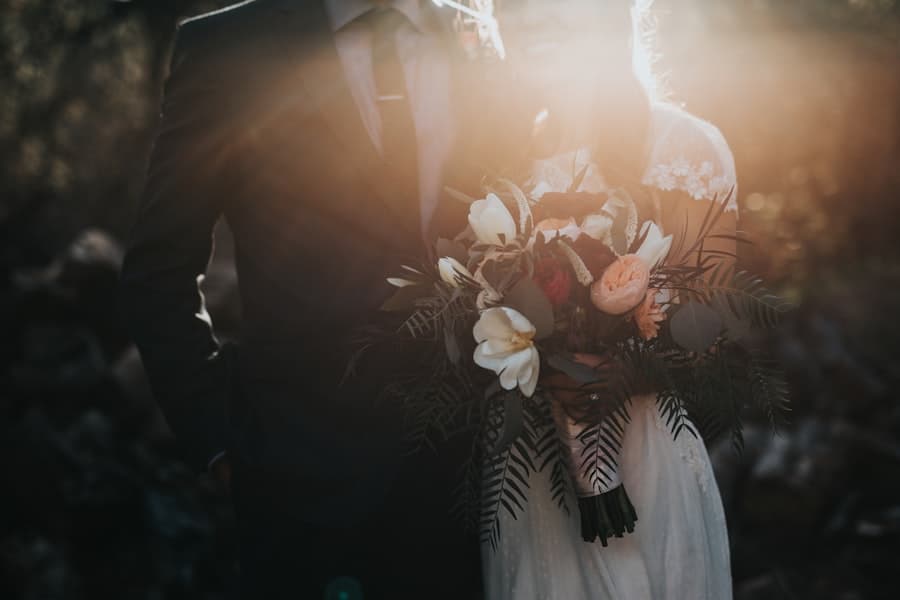
Every guest’s photos, one QR code
Guests scan and snap from their phone browser — every shot lands in your private live gallery in seconds.
Rehearsal to farewell brunch
Multi-day celebrations each get their own gallery and RSVP, all under one wedding.
RSVPs with meal choices
Collect replies, headcounts and meal choices on the same link as the photos.
A big-screen slideshow
A named, framed live photo wall the whole room watches fill up during the reception.
Gift registry & cash fund
Guests chip in toward a honeymoon fund or send a cash gift — right from your page.
Hardcover photo books
Turn the gallery into a keepsake photo book and prints, delivered to your door.
Why couples choose an all-in-one wedding photo app
Your photographer captures the set pieces, but the best candids — the tears during the speeches, the dance-floor chaos, Grandma laughing at the top table — live on your guests’ phones. A wedding photo sharing app turns every guest into a second photographer: they scan one QR code, upload straight from their browser at full resolution, and every shot lands in your private live gallery in seconds.
Because the same link also runs your RSVPs, gift registry and big-screen slideshow, you’re not stitching together a separate replies tool, a cash-fund site and a shared album. It’s one private gallery that stays online for a year or more, with a hardcover photo book waiting at the end. For a full walkthrough, read our guide to collecting photos from your wedding guests.
From the rehearsal dinner to the farewell brunch
A wedding is rarely a single event. Multi-day celebrations each get their own gallery and RSVP under one wedding, so the rehearsal dinner, the ceremony, the reception and the next-morning brunch are all organised — and all reachable from the same code. Planning a multi-day Indian or Punjabi wedding? See photo sharing for Indian and Punjabi weddings.
The small details decide how many photos you actually collect: where you place the QR code, and what the sign says. Our wedding QR code sign ideas and wording gives you ready-to-use examples that get guests uploading.
How it works
Step 1
Create your event
Set it up in 2 minutes and get your QR code.
Step 2
Guests scan & snap
They add photos from their browser — no app to download.
Step 3
Everything, one link
Live gallery, RSVPs, slideshow and keepsakes on the same code.
Guides & tips
weddings — questions, answered
What is the best wedding photo sharing app?+
Snaptagious is a wedding photo sharing app where guests scan one QR code — no app to download — and every photo flows into your private gallery and onto the venue screen. It also handles RSVPs, multi-day celebrations, a gift registry and hardcover photo books.
How do wedding guests share photos with a QR code?+
Place the QR code on tables or the order of service. Guests scan it, snap away, and their photos appear in your live wedding gallery and on the big screen in seconds — no app, no sign-up.
Can we collect RSVPs and photos on the same link?+
Yes. One Snaptagious link runs your RSVPs (with meal choices), your schedule and locations, your gift registry, and the live photo gallery — for the ceremony, reception and every celebration around it.
Can we make a wedding photo book afterwards?+
Yes — turn the gallery into a hardcover photo book and prints, delivered to your door.
Ready in 2 minutes
Create your event, print the QR code, and let every guest be your photographer.
Get started free